Capture Clean YouTube Screenshots, Instantly
No timestamps. No clutter. Just clean screenshots.
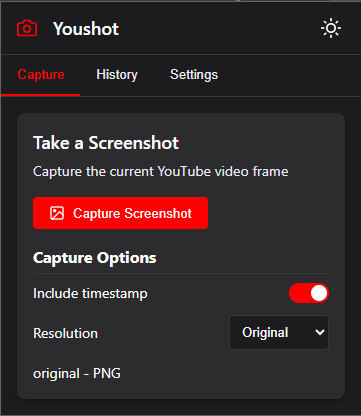
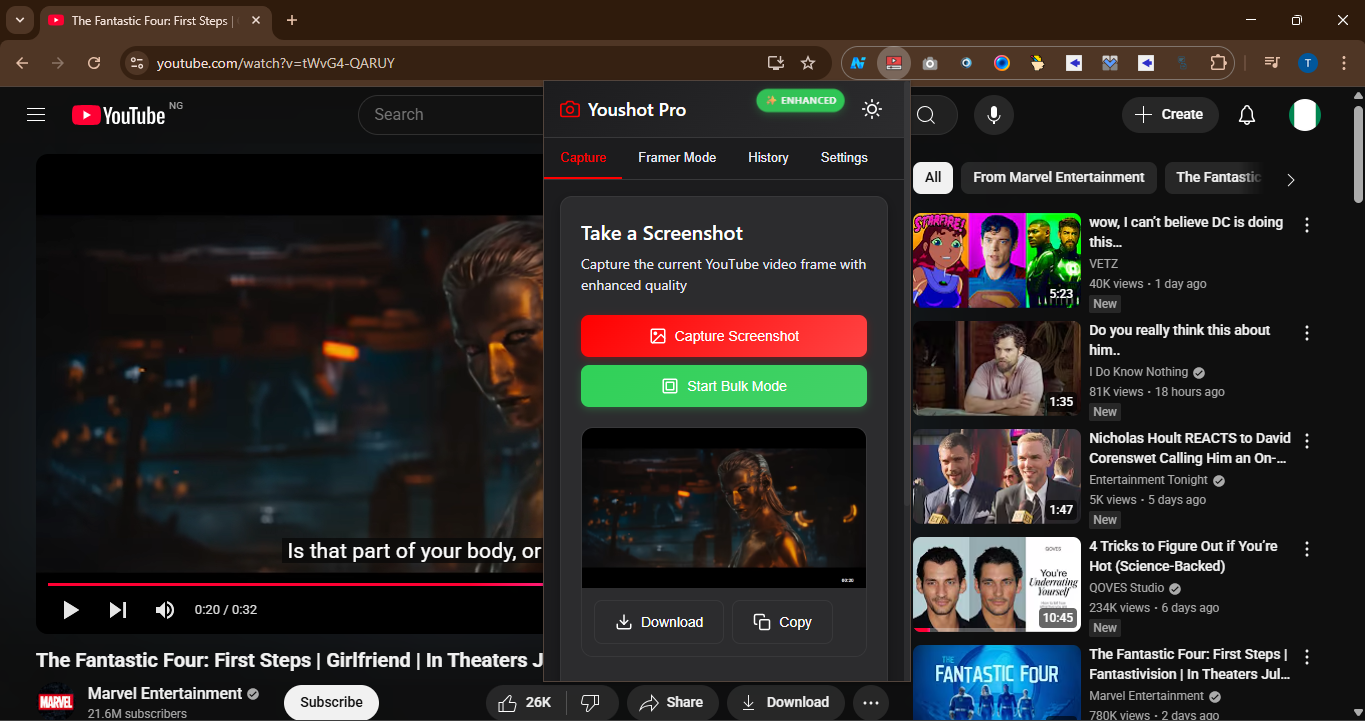
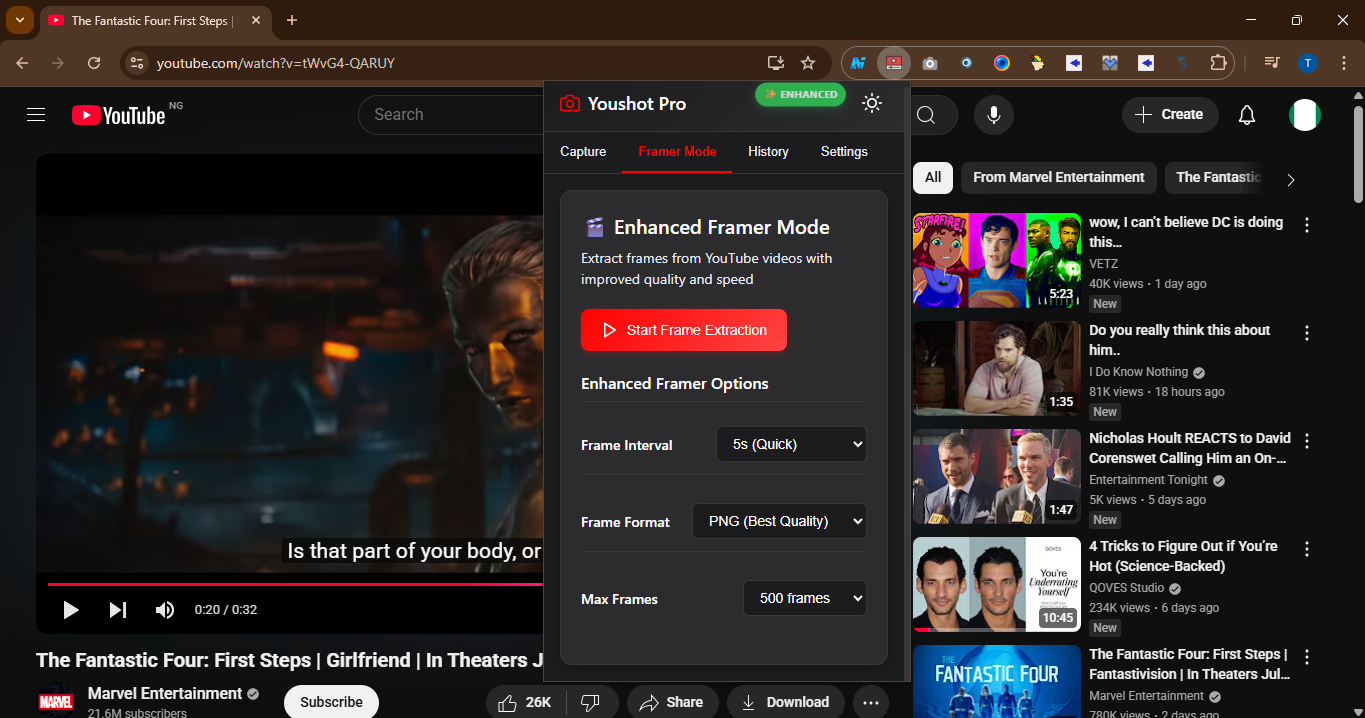
Youshot is the fastest way to screenshot any YouTube video — without distracting overlays or messy URLs. Perfect for sharing, saving, or quoting content clearly.
Follow the Creator
Stay updated with YouShot development and get tips on using the extension
📸 How It Works
1. Open any YouTube video
2. Click the YOUSHOT button
3. Screenshot is automatically clean
No timeline, no play button, no parameters
⚠️ If it doesn't work the first time, just refresh the page.
🔥 Why It Matters Today
Youshot is used by people looking for clarity in chaotic moments online — especially when everything is trending.
Whether you're clipping a quote from a Micah Parsons interview, grabbing a visual from Tropical Storm updates, or saving a reaction from Spider-Man, you need screenshots that don't look like screenshots.
⚡ Trending Topics YOUSHOT Is Perfect For:
NFL & Sports
• Micah Parsons
• Orioles vs Cubs
• Tigers vs Phillies
• Amari Cooper
• Marcus Stroman
Events & Holidays
• International Beer Day
• Solar Eclipse 2025
• SummerSlam 2025
Finance & News
• S&P 500
• Ford Recalls
• Corporation for Public Broadcasting
• Stock Market Today
Pop Culture
• Spider-Man Brand New Day
• Jen Shah
• Erika McEntarfer
• Flaco Jimenez
• Renee Rapp
Weather & Movies
• Tropical Storms
• Tornado Watch
• Anaconda Montana
• Final Destination: Bloodlines
• Eyes of Wakanda
No matter what you're watching or reacting to — YOUSHOT gives you clean visual receipts, fast.
💡 Built for Real Users
YouShot was made for:
Students and researchers
Journalists and content creators
Meme-makers and fan accounts
Anyone who's hit "Pause" on YouTube
✅ Try It Now
No install required. Just add the extension and start capturing clean YouTube screenshots.
Add YOUSHOT to Chrome